cURL for Beginners: Learn How to Talk to Servers from the Terminal
Search for a command to run...
No comments yet. Be the first to comment.
You are on a flight. Airplane mode is on. You text your friend. The app doesn't crash. It shows a clock icon. Later, you land. The message sends. How? Internet is unreliable. Tunnels, elevators, bad c
Direct DOM manipulation is slow. Updating the screen directly forces the browser to recalculate layouts and repaint pixels. Do this too often, your app lags. React solves this. How? The Virtual DOM. T
Building a todo app is easy. Building Instagram is hard. The difference isn't the code. It's the architecture. Let's look at how massive mobile apps scale using React Native and Expo Router. No fluff.
How to organize your code like a pro using ES6 modules The Problem: Why One Giant File Doesn’t Scale When you first start learning JavaScript, it’s tempting to put everything in a single app.js file.

Introduction: The Sync vs. Async Reality Check Imagine you're building a web server that needs to read a file from disk. In a traditional, synchronous world, your code would look something like this:

If you are learning web development, you keep hearing words like server, API, request, and response. At first, these sound scary. But the idea behind them is actually very simple.
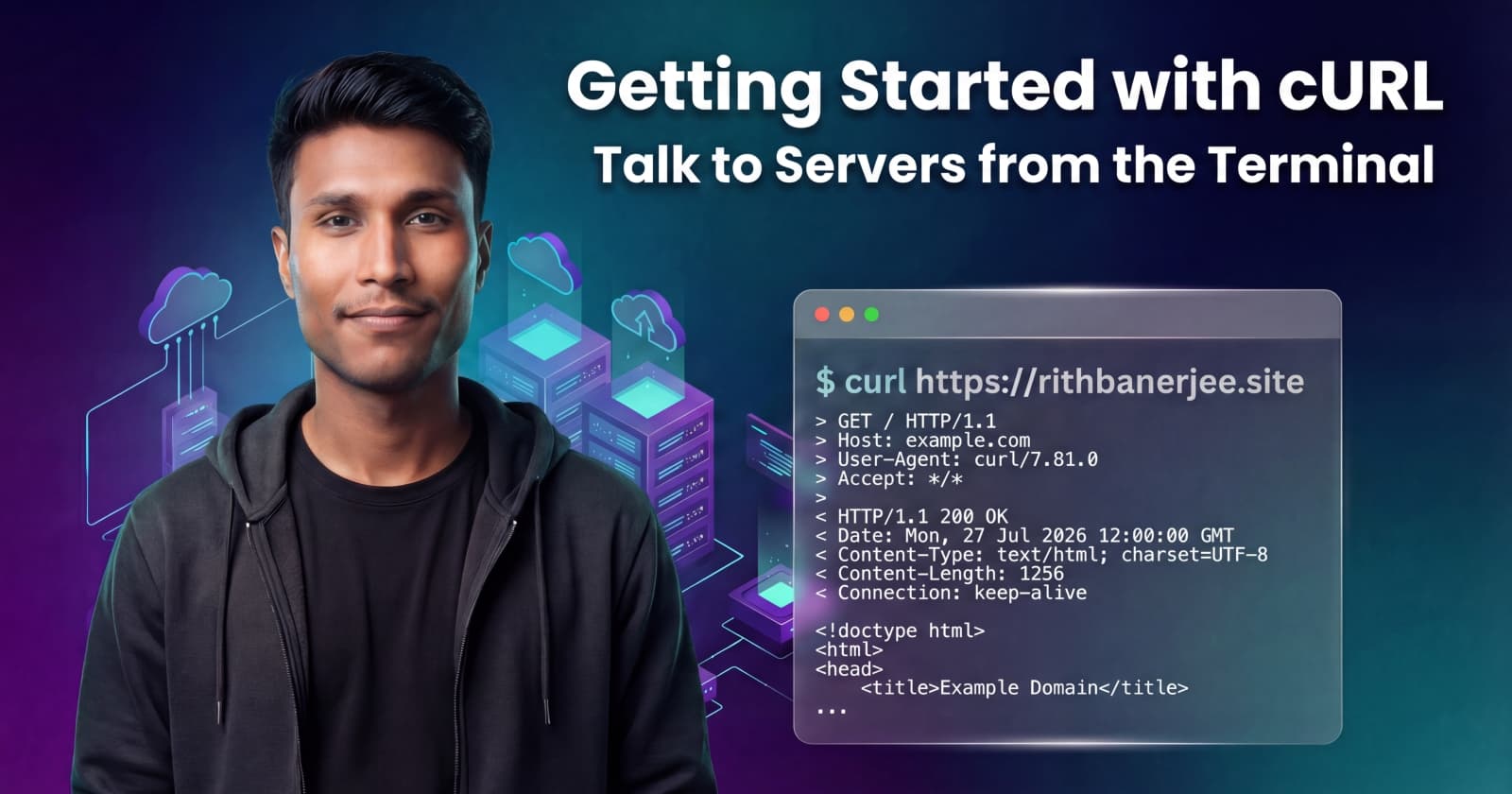
In this blog, we’ll learn cURL, a small but powerful tool that helps developers talk to servers directly from the terminal.
A server is just a computer whose job is to store data and send it when someone asks for it.
When you open a website like google.com:
Your browser sends a message to Google’s server
The server sends back HTML, CSS, and data
Your browser shows it as a webpage
This “message going out” is called a request. The “message coming back” is called a response.
Normally, your browser does this for you behind the scenes. But as developers, we often want to:
Test APIs
Debug backend issues
Fetch data without opening a browser
That’s where cURL comes in.
cURL is a command-line tool that lets you send requests to a server from the terminal.
Think of it like this:
Browser → sends requests using buttons and UI
cURL → sends requests using commands in the terminal
In simple words:
cURL is a way to talk to servers without a browser.
It supports many protocols, but in web development, we mostly use it to work with HTTP APIs.
You might wonder: “Why not just use the browser?”
Here’s why developers love cURL:
It works without a UI (great for servers and automation)
You can test APIs quickly
You can see the raw response from the server
It helps debug backend issues
It is available on almost every OS (Linux, macOS, Windows)
If you work with backend APIs, cURL becomes your best debugging friend.
Let’s start with the simplest possible example.
Open your terminal and run:
curl https://example.com
That’s it.
What happened?
cURL sent a GET request to the server
The server replied with HTML
cURL printed that response in your terminal
You just fetched a webpage without a browser.
Every HTTP communication has two parts:
A request contains:
Method (GET, POST, etc.)
URL (where the request goes)
Optional data (for POST)
Example:
GET https://example.com
A response contains:
Status code (200, 404, 500)
Headers (metadata)
Body (actual data)
Example:
200 OK → request succeeded
404 Not Found → resource does not exist
500 Server Error → server broke internally
cURL shows you what the server actually sends back — no filters.
Let’s keep this simple.
Used to fetch data
Does not change server data
Example:
curl https://api.example.com/users
Used to send data
Often creates or updates something
Example:
curl -X POST https://api.example.com/users
For now, remember:
GET = ask for data
POST = send data
That’s enough to get started.
APIs usually return JSON, not HTML.
Example:
curl https://jsonplaceholder.typicode.com/posts/1
You’ll see something like:
{
  "userId": 1,
  "id": 1,
  "title": "some title",
  "body": "some content"
}
This is exactly how your frontend or backend talks to APIs — cURL just shows it directly.
Here are some very common issues (don’t worry, everyone makes them):
Too many flags too early Start simple. Learn flags later.
Confusing browser behavior with cURL Browsers auto-handle cookies, redirects, and headers. cURL does not.
Ignoring status codes Always check if it’s 200 or an error.
Copy-pasting commands without understanding Try to understand what the command is doing.
Thinking cURL is only for backend devs Frontend devs use it too — especially for API testing.
cURL is commonly used for:
Testing APIs before frontend exists
Debugging production issues
Writing scripts and automation
CI/CD health checks
Learning how HTTP actually works
Once you understand cURL, frameworks like Axios or Fetch make much more sense.
cURL is not scary. It’s just a direct way to talk to servers.
Once you’re comfortable with:
Requests
Responses
GET and POST
You’ll feel much more confident working with APIs and backend systems.
If you’re serious about web development, learning cURL is time very well spent.