Understanding Network Devices: How Modems, Routers, and Load Balancers Work Together
Search for a command to run...
No comments yet. Be the first to comment.
You are on a flight. Airplane mode is on. You text your friend. The app doesn't crash. It shows a clock icon. Later, you land. The message sends. How? Internet is unreliable. Tunnels, elevators, bad c
Direct DOM manipulation is slow. Updating the screen directly forces the browser to recalculate layouts and repaint pixels. Do this too often, your app lags. React solves this. How? The Virtual DOM. T
Building a todo app is easy. Building Instagram is hard. The difference isn't the code. It's the architecture. Let's look at how massive mobile apps scale using React Native and Expo Router. No fluff.
How to organize your code like a pro using ES6 modules The Problem: Why One Giant File Doesn’t Scale When you first start learning JavaScript, it’s tempting to put everything in a single app.js file.

Introduction: The Sync vs. Async Reality Check Imagine you're building a web server that needs to read a file from disk. In a traditional, synchronous world, your code would look something like this:

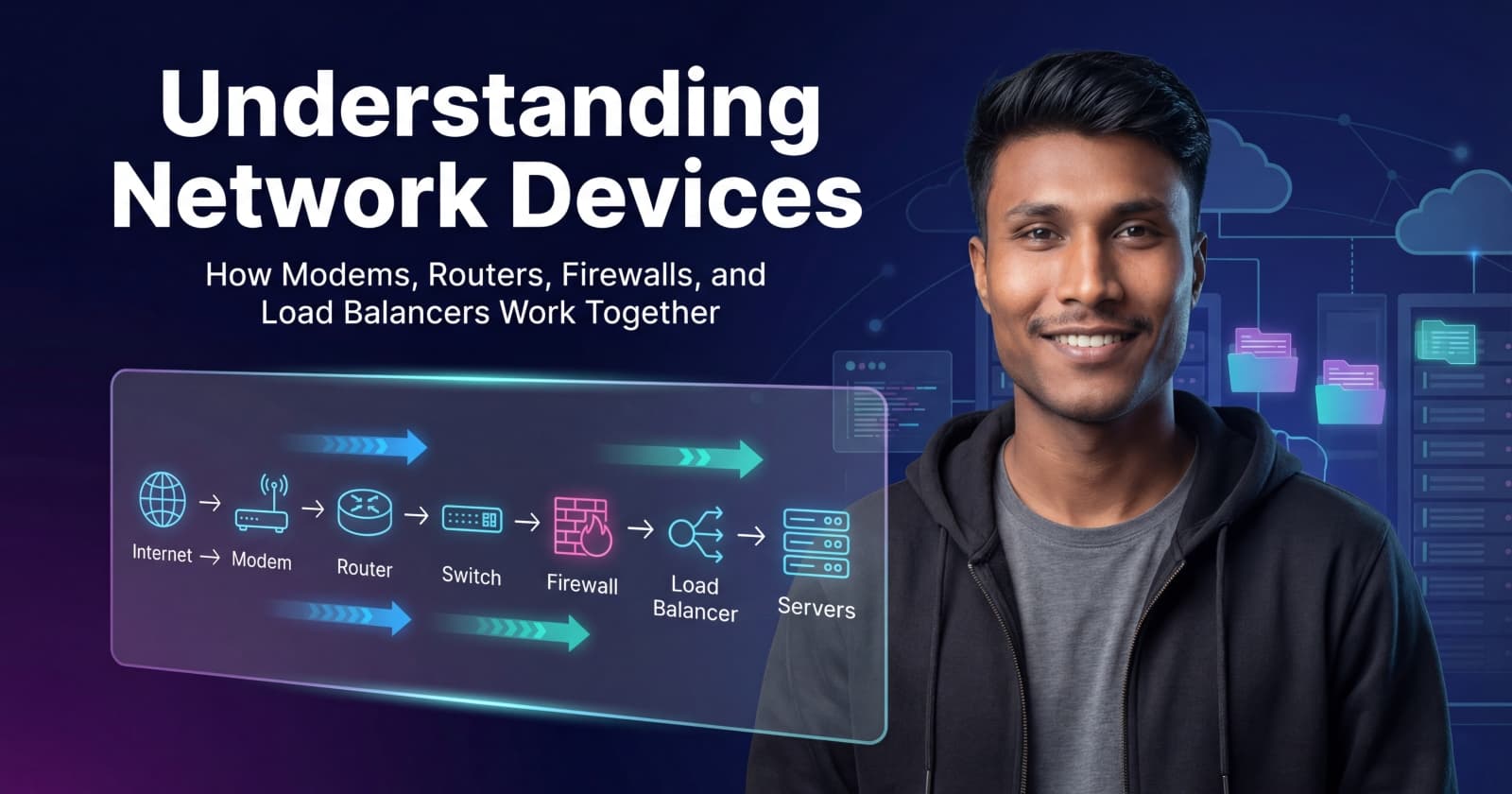
When we build web applications, we often think in terms of APIs, databases, and servers. But before any request reaches your backend, it travels through several physical network devices. Understanding these devices helps you debug issues, design scalable systems, and think clearly about production deployments.
In this blog, we’ll walk through the core network devices - modem, router, switch, hub, firewall, and load balancer - and see how they work together in a real-world setup.
When you type a website URL into your browser, your request doesn’t magically reach the server. It follows a clear path:
Your device sends a request
The request moves through your local network
It exits your network via your ISP
It reaches the destination server
The response comes back the same way
Here is a simplified view:
Each device in this chain has one main responsibility. Let’s break them down one by one.
A modem is the device that connects your private network to your Internet Service Provider (ISP).
It converts signals from your ISP into a form your network can use
It marks the boundary between your local network and the public internet
Without a modem, your router has nowhere to send traffic
Think of the modem as the translator at the border between two countries. Your network speaks “local language,” and the ISP speaks a different one. The modem makes sure both sides understand each other.
The modem does not manage devices or route traffic inside your network. Its job ends once the internet connection is established.
Common mistake: Many beginners think the modem assigns IPs or manages traffic. That’s the router’s job.
A router decides where network traffic should go.
Connects multiple devices to one internet connection
Assigns private IP addresses to devices (via DHCP)
Routes traffic between your local network and the internet
Performs NAT (Network Address Translation)
Analogy: The router is like a traffic police officer at a major junction. It checks the destination and sends packets in the correct direction.
Routers explain why your local IP (192.168.x.x) is different from your public IP
Port forwarding, VPNs, and local testing all depend on router behavior
Common mistake: Confusing router and modem roles. A router does not “create” internet access - it distributes it.
A hub is a very simple device:
It sends incoming data to every connected device
It has no idea who the real receiver is
Analogy: A hub is like someone shouting a message in a room - everyone hears it, even if it’s not for them.
A switch is smarter:
It learns which device is connected to which port
It sends data only to the intended device
It reduces collisions and improves performance
Analogy: A switch is like a postal worker delivering letters to exact addresses.
Modern networks use switches almost everywhere. Hubs are mostly obsolete.
Common mistake: Thinking hubs and switches are interchangeable. They are not.
A firewall controls what traffic is allowed or blocked.
Filters incoming and outgoing traffic
Blocks unauthorized access
Enforces security rules
Analogy: A firewall is a security guard at the gate, checking IDs before letting anyone in.
Firewalls explain why some ports are inaccessible
Cloud security groups and VPC rules are firewall concepts
Misconfigured firewalls are a common production issue
Common mistake: Assuming HTTPS alone is enough. Encryption does not replace access control.
A load balancer distributes traffic across multiple servers.
Prevents one server from getting overloaded
Improves availability and reliability
Enables horizontal scaling
Analogy: A load balancer is a toll booth operator sending cars to different lanes to avoid congestion.
Used in Kubernetes, AWS ALB/NLB, NGINX, HAProxy
Essential for high-traffic applications
Enables zero-downtime deployments
Common mistake: Thinking load balancers are only for “big companies.” Even small apps benefit.
Let’s put everything together:
User sends a request
Modem connects to ISP
Router directs traffic
Firewall checks security rules
Switch delivers data locally
Load balancer distributes requests
Backend servers respond
This is what happens before your API code even runs.
Understanding network devices helps you:
Debug “works locally but not in production” issues
Design scalable backend architectures
Understand cloud networking concepts faster
Communicate better with DevOps and infra teams
If you know how traffic flows, you write better systems, not just better code.
Network devices are not “infra magic.” Each one has a clear role, and together they form the backbone of every web application.
As a web developer, you don’t need to configure routers daily — but you do need to understand what happens when a request leaves your code and enters the real world.
Once you see the full picture, backend systems start to make a lot more sense.