Why Version Control Exists: The Pendrive Problem Every Developer Faced
Introduction
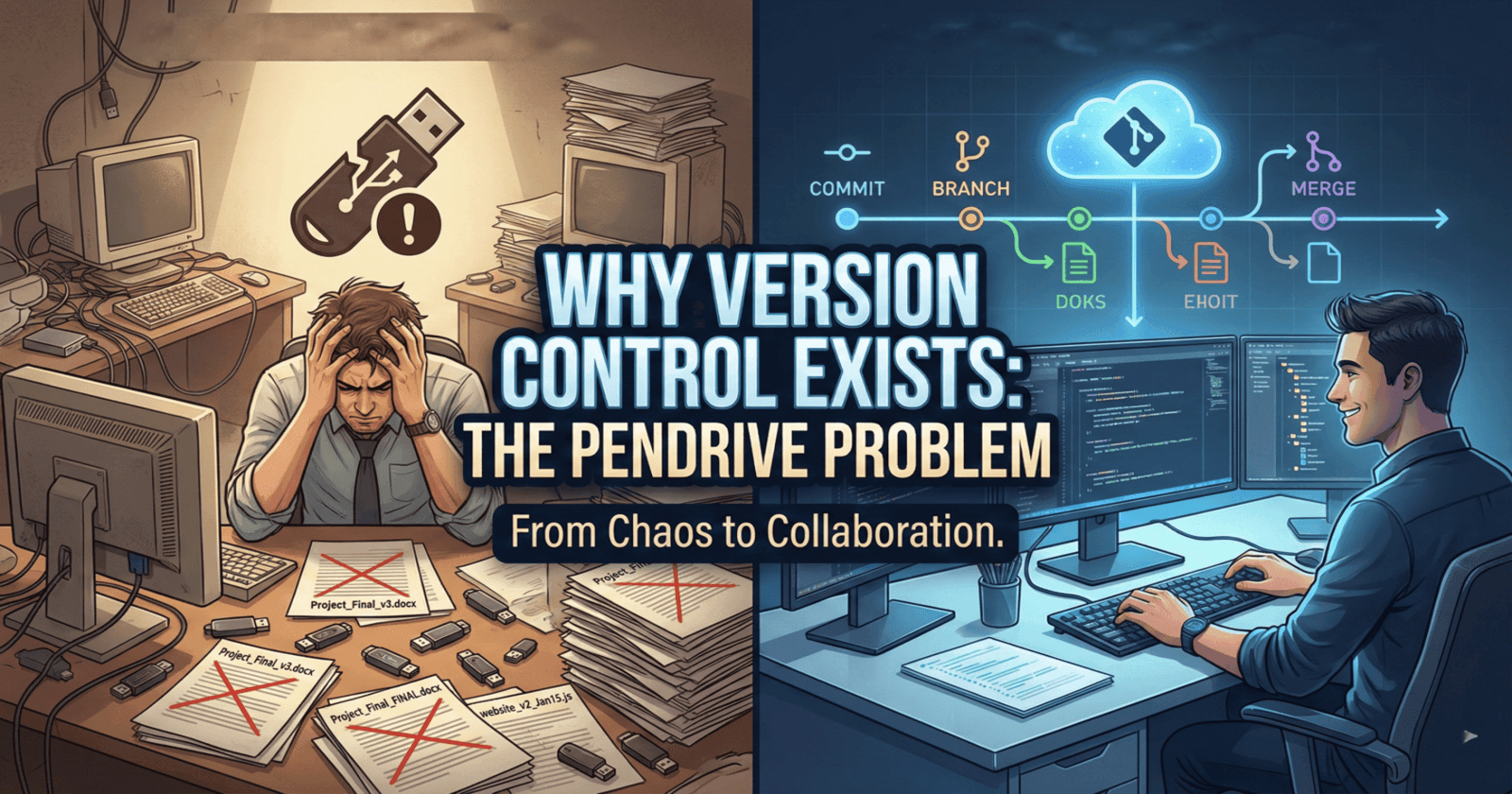
Imagine you're working on an important school project with your friends. You write some parts, save them on a pendrive, and pass it to your friend. They make changes and save it as Project_Final.docx. Then another friend edits it and saves it as Project_Final_v2.docx. By the end, you have files like Project_Final_FINAL.docx, Project_Final_FINAL_USE_THIS.docx, and nobody knows which one is actually the latest version!
This exact problem happened to software developers for many years. They used pendrives, emails, and folders with confusing names. Today, we'll explore why this was a nightmare and how version control systems solved this problem forever.
The Pendrive Analogy: How Developers Used to Work
Before modern tools like Git existed, developers shared code the same way students share homework - through pendrives, email attachments, and shared folders.
How It Worked
Let's say three developers - Alice, Bob, and Charlie - are building a website together.
Day 1:
Alice writes the homepage code and saves it as
website.htmlShe copies it to a pendrive and gives it to Bob
Day 2:
Bob adds a contact form and saves it as
website_v2.htmlHe emails it to Charlie
Day 3:
Charlie adds a photo gallery and saves it as
website_final.htmlHe puts it in a shared folder
Day 4:
Alice needs to add a new feature, but which file should she use?
website.html(her original)website_v2.html(Bob's version)website_final.html(Charlie's version)
Common File Names Developers Used
You might laugh at these, but they were real:
code_final.jscode_final_v2.jscode_final_ACTUAL.jscode_final_ACTUAL_USE_THIS.jscode_final_Jan15.jscode_final_Jan15_Bob.jscode_REALLY_FINAL.js
Sound familiar? This chaos was the daily reality for developers!
The Problems Before Version Control
Problem 1: Lost Changes
What happened:
Alice spent 5 hours fixing bugs in
website.htmlBob didn't know about Alice's work
Bob edited an old version and saved it as
website_v2.htmlWhen they merged their work, Alice's 5 hours of bug fixes disappeared
Real-life analogy: Imagine you spent hours cleaning your room. Then your sibling, who didn't know you cleaned it, brought back the old messy version from a photo and made your room messy again!
Problem 2: Overwriting Code
What happened:
Alice and Bob both edited
website.htmlat the same timeAlice saved her version to the shared folder at 2:00 PM
Bob saved his version to the same folder at 2:05 PM
Bob's file replaced Alice's file completely
Alice's work was gone forever
Real-life analogy: You and your friend both draw on the same piece of paper. But instead of seeing both drawings, only the last person's drawing remains, and the first one vanishes!
Problem 3: No History
What happened:
The team had
website_final.htmlA bug appeared in the website
Nobody knew when the bug was introduced
Nobody knew who added the buggy code
They couldn't go back to an older working version
Real-life analogy: You're playing a video game. You save your progress, but then you make a mistake and lose all your lives. You want to go back to your previous save, but there's only ONE save file. You can't undo your mistake!
Problem 4: Impossible Collaboration
What happened:
10 developers working on the same project
Everyone had different versions of files
Nobody knew who changed what
Merging everyone's work took days of manual copying and pasting
Bugs appeared because of conflicting changes
Real-life analogy: Imagine 10 people trying to write a story together, but everyone has a different copy of the story, and nobody knows what others wrote. Chaos!
Problem 5: No Backup
What happened:
All code was on one computer or one pendrive
The computer crashed or pendrive got lost
Months of work disappeared instantly
No way to recover it
Real-life analogy: You write your entire homework in one notebook. You lose the notebook. All your work is gone forever!
Timeline: How Files Got Lost and Overwritten
Let's see a real timeline of how things went wrong over one week:
What this timeline shows:
Multiple waiting periods wasted valuable time
Everyone worked on different versions
By the end of the week, they spent more time fixing merge problems than writing code!
The Solution: Version Control Systems
Developers got tired of this mess. They needed a better way. That's when version control systems were invented.
What is Version Control?
Version control is like a time machine for your code. It:
Saves every change you make
Remembers who made each change
Lets you go back to any previous version
Helps multiple people work together without conflicts
Keeps your code safe with automatic backups
How Version Control Solved Each Problem
| Old Problem | Version Control Solution |
| Lost changes | Every change is saved forever. You can always get it back. |
| Overwriting code | Multiple people can edit the same file. The system merges changes smartly. |
| No history | You can see every change ever made, who made it, and when. |
| Hard collaboration | Everyone works on the same project smoothly. Changes are merged automatically. |
| No backup | Your code is saved on multiple computers and servers. It's safe! |
Pendrive Workflow vs Version Control Workflow
Real Example: Git (The Most Popular Version Control System)
Let's see how Git solves the pendrive problem:
With Git:
Alice writes code and "commits" it with a message: "Added homepage"
Bob pulls Alice's latest code, adds a contact form, and commits: "Added contact form"
Charlie pulls the latest code (which includes Alice and Bob's work), adds a gallery, and commits: "Added photo gallery"
Everyone always has the latest code. No pendrive needed. No confusion. No lost work!
What a Git commit looks like:
# Alice's commit
git commit -m "Added homepage"
# Saved! ✅

# Bob's commit
git commit -m "Added contact form"
# Saved! ✅

# Charlie's commit
git commit -m "Added photo gallery"
# Saved! ✅
Every commit is like a checkpoint in a video game. You can always go back to any checkpoint!
Why Version Control Became Mandatory
Today, no professional developer works without version control. Here's why:
1. Companies Require It
Every software company uses version control. If you want to be a developer, you must learn it. It's like learning to type - it's not optional!
2. Open Source Projects
All open-source projects (like Linux, React, Python) use version control. Millions of developers collaborate on these projects smoothly because of version control.
3. Safety and Security
Your code is backed up automatically. Even if your computer explodes, your code is safe on GitHub, GitLab, or other servers.
4. Team Collaboration
Modern teams have developers in different countries working on the same code. Version control makes this possible.
5. Code Quality
You can review changes before they're added to the main code. This catches bugs early and keeps code clean.
Conclusion
The pendrive era of software development was a nightmare. Developers wasted hours dealing with lost changes, overwritten code, and merge conflicts. They had no history, no backups, and collaboration was nearly impossible.
Version control systems like Git changed everything. They gave developers:
A time machine to undo mistakes
A safe place to store code
A smooth way to collaborate
A complete history of every change
Today, version control is not just a tool - it's the foundation of modern software development. Whether you're building a small personal project or working at a big tech company, version control is essential.
So next time you see a file named "final_FINAL_v3_USE_THIS.docx", remember: there's a better way. And that better way is version control! 🚀
Key Takeaways
✅ Before version control: Developers used pendrives, emails, and confusing file names
✅ Main problems: Lost changes, overwritten code, no history, hard collaboration, no backups
✅ Version control solution: Saves every change, enables collaboration, provides history and backups
✅ Today: Version control (especially Git) is mandatory for all professional developers
✅ Your action: Start learning Git today - it's the most important tool in a developer's toolkit!
What's Next?
Now that you understand why version control exists, the next step is learning how to use it! In the next article, we'll cover:
How to install Git
Your first Git commands
How to save your code to GitHub
How to collaborate with others using Git
Stay tuned! 🎉

